Stay Compliant
Certificate & Compliance Tracking
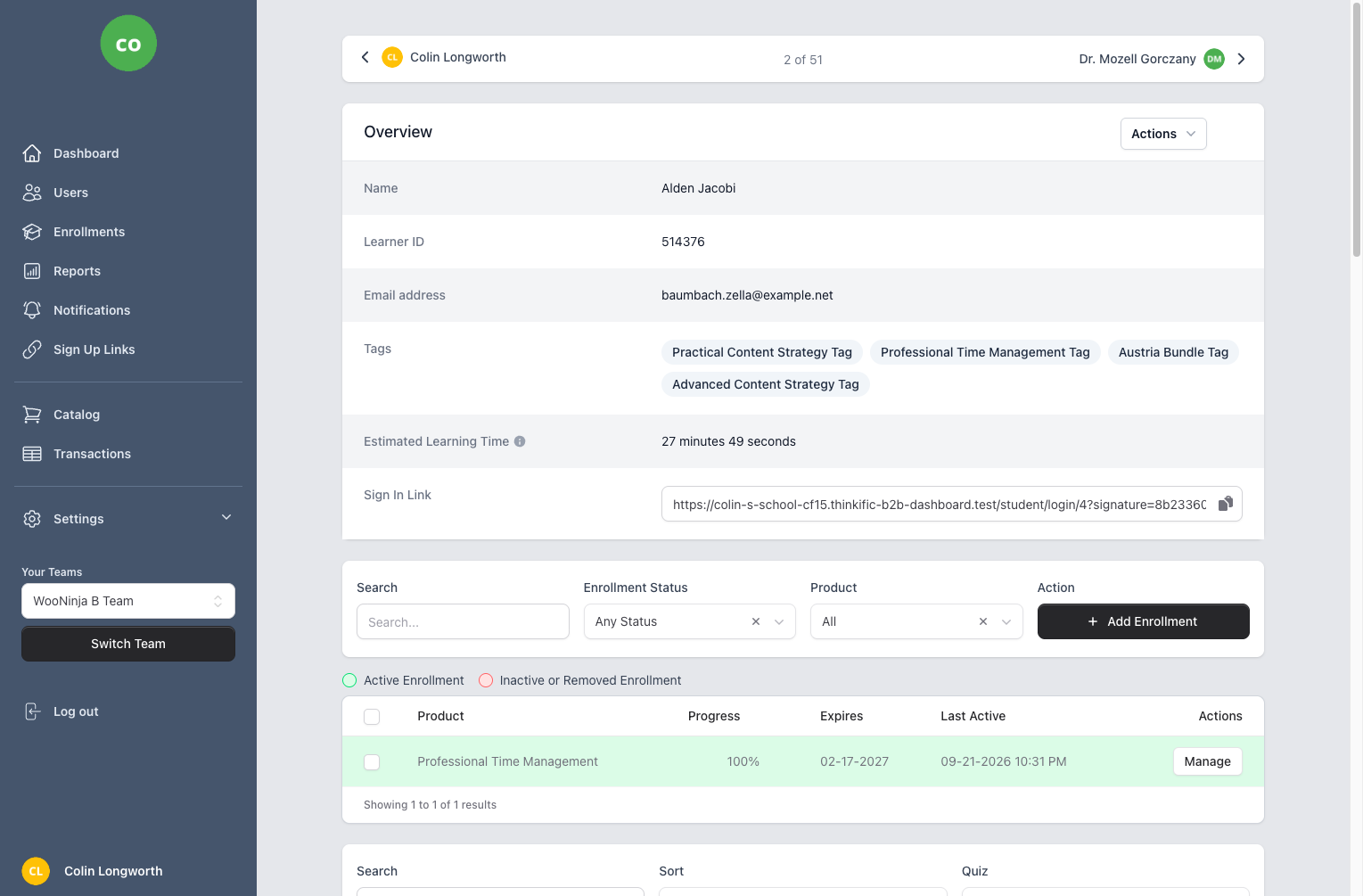
Automatically download and track certificates from Thinkific. Monitor expiry dates, export certificate details via CSV, and generate compliance reports for audits and regulatory requirements.
Key Benefits
- Automatic Certificate Download
- Certificates are automatically downloaded from Thinkific when courses are completed. Stored securely in tenant-isolated R2 storage.
- Expiry Date Tracking
- Track certificate expiry dates across your organization. Identify upcoming expirations before they become compliance issues.
- CSV Bulk Exports
- Export certificate data in bulk via CSV upload. Perfect for managing large-scale recertification schedules.
- Compliance Reporting
- Generate reports showing certificate status per team or group. Export to Excel for audit documentation.
- Certificate URL Access
- Direct links to certificate files for easy verification and sharing with regulatory bodies.
Frequently Asked Questions
- How does certificate tracking work?
- When a learner completes a course in Thinkific that offers a certificate, B2B Dashboard automatically downloads and stores a copy of that certificate. The system tracks issuance dates, expiry dates (if applicable), and certificate status. You can view certificates by user, by course, or generate compliance reports showing certificate status across your entire organization.
- Are certificates downloaded automatically?
- Yes, the process is fully automated. Once a learner completes a course and earns a certificate in Thinkific, B2B Dashboard detects this within minutes and downloads the certificate file. Certificates are stored securely with tenant isolation, meaning each client's certificates are kept separate from others in multi-tenant deployments.
- Can I track certificate expiration dates?
- Absolutely. B2B Dashboard tracks certificate expiry dates and provides alerts for upcoming expirations. You can configure notification thresholds (e.g., 30, 60, or 90 days before expiration) and receive alerts via email or through the dashboard. This ensures you never miss recertification deadlines for compliance-critical training.
- How do I manage recertifications?
- The certificate dashboard shows which certificates are expiring soon, allowing you to proactively manage recertifications. You can use the bulk CSV update feature to import new expiry dates after recertification training is completed. Automated workflows can also be set up to enroll users in refresher courses as their certificates approach expiration.
- Can I share certificates with regulatory bodies?
- Yes, each certificate has a unique URL that can be shared with auditors, regulatory bodies, or stakeholders for verification purposes. These links provide direct access to the certificate file without requiring login credentials. For compliance audits, you can also generate comprehensive reports showing certificate status across your entire organization, exported in Excel format.
Related Features
Ready to streamline your training management?
Get started with B2B Dashboard and take control of your Thinkific training programs today.