Data-Driven Training
Reporting & Analytics
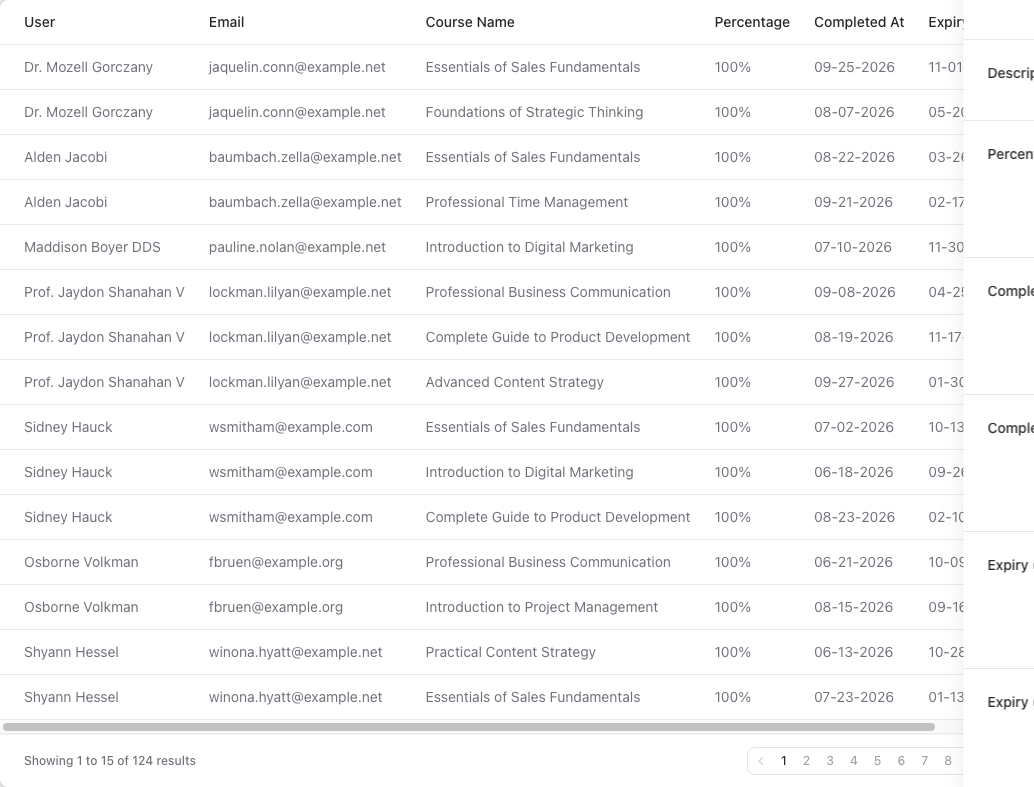
Generate detailed completion reports, track certificates across groups and teams, filter by date range and product, and export everything to Excel — giving you the insights to measure training ROI.
Key Benefits
- Group & Team Reports
- View completion metrics broken down by group or team. See unique completions, total completions, and certificates issued.
- Date Range Filtering
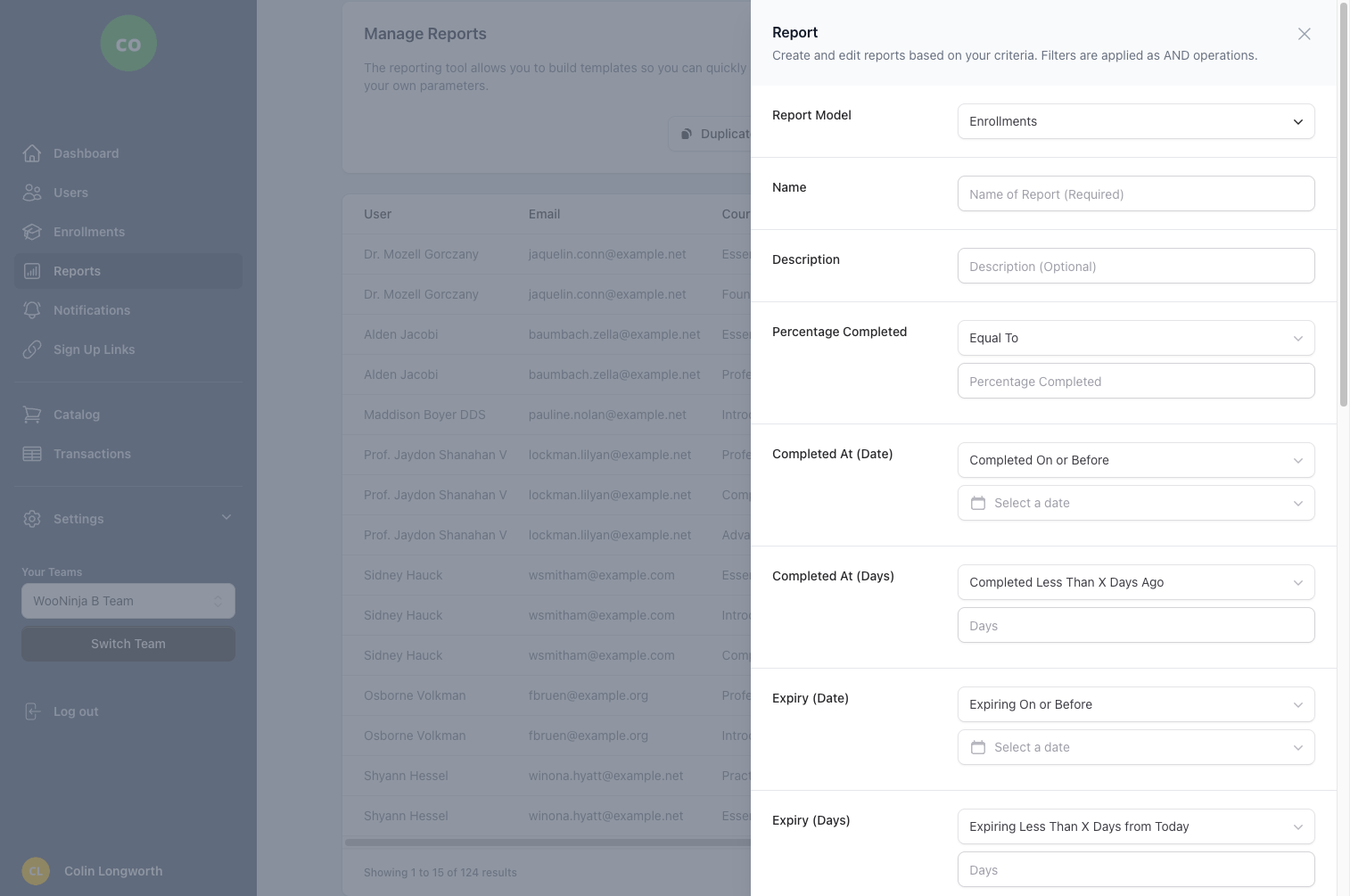
- Filter all reports by custom date ranges to measure training activity over specific periods.
- Product-Level Filtering
- Focus reports on specific products or courses. Track completion rates for individual training programs.
- Excel Export
- Download progress and completion reports as Excel spreadsheets for further analysis or stakeholder distribution.
- Certificate Reports
- Track certificates issued per group or team with counts and completion dates for compliance reporting.
Frequently Asked Questions
- What types of reports can I generate?
- B2B Dashboard offers comprehensive reporting including completion reports by team and group, progress tracking, certificate issuance reports, enrollment analytics, and seat utilization reports. You can view summary dashboards or drill down into detailed user-level data. All reports can be filtered by date range, course, team, or organization to get exactly the insights you need.
- How do I filter reports by date range?
- Every report includes date range filters allowing you to specify start and end dates. This is perfect for quarterly reviews, compliance periods, or analyzing training activity before and after specific events. Simply select your desired date range from the date picker, and the report automatically updates to show only data from that period.
- Can I schedule automated reports?
- Yes, you can schedule reports to be generated and emailed automatically on a daily, weekly, or monthly basis. This feature is perfect for keeping stakeholders informed without manual intervention. Scheduled reports can be sent to multiple recipients and include the same filtering and formatting options as on-demand reports.
- What formats can I export reports in?
- Reports can be exported to Excel format (XLSX) for maximum compatibility with spreadsheet applications. Excel exports include formatted data, headers, and multiple sheets when applicable. This makes it easy to share reports with stakeholders, perform additional analysis, or import data into other business intelligence tools.
- How do compliance reports work?
- Compliance reports provide audit-ready documentation of training completion and certification status. They include detailed records of who completed what training, when they completed it, and what certifications were earned. Reports can be filtered by compliance period and exported with tamper-evident formatting suitable for regulatory submissions and internal audits.
Build Custom Reports

Related Features
Ready to streamline your training management?
Get started with B2B Dashboard and take control of your Thinkific training programs today.