Seamless Connection
Thinkific Integration
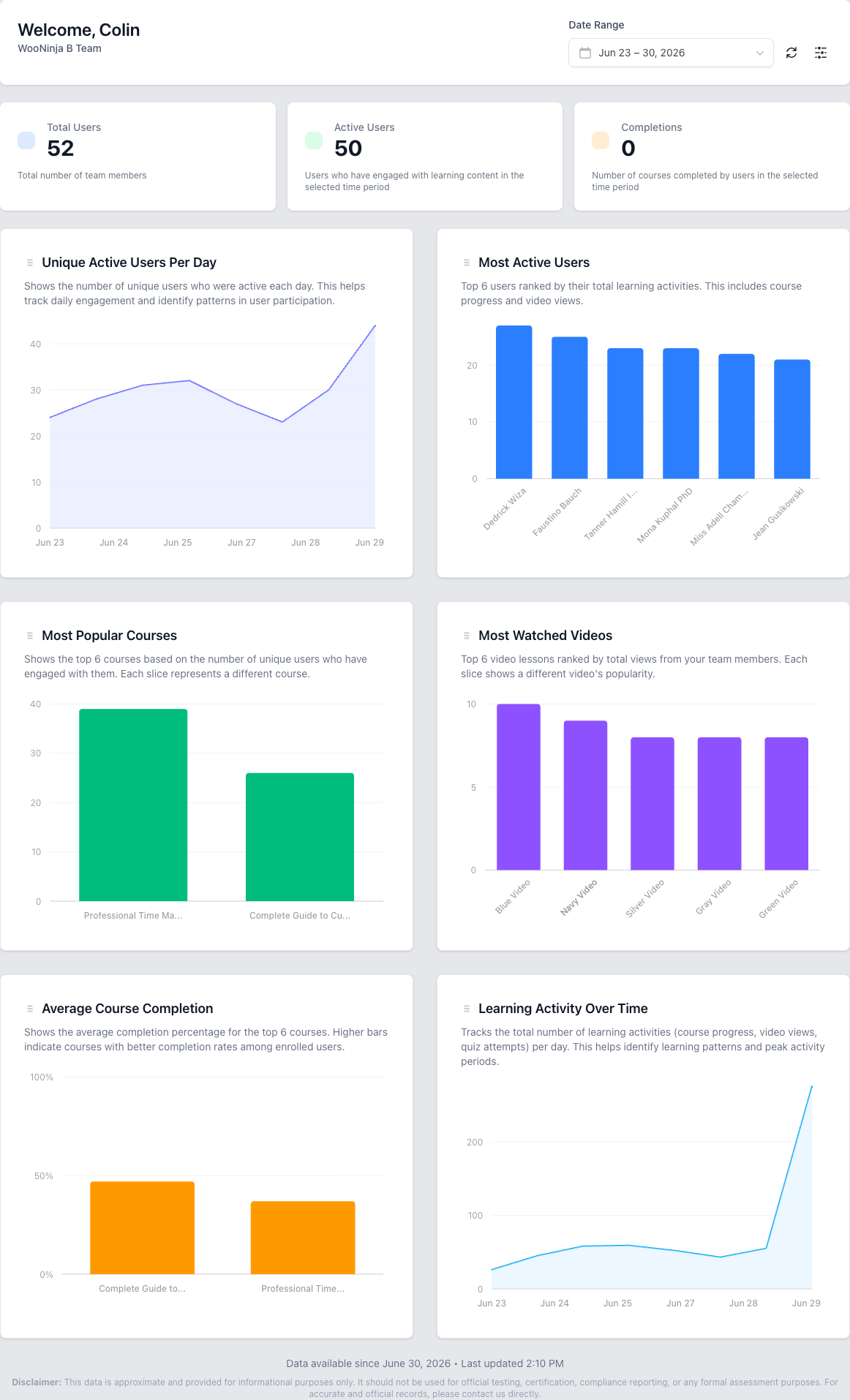
Connect your Thinkific site and automatically sync courses, products, enrollments, and user data. B2B Dashboard keeps everything up to date so you can focus on managing training.
Key Benefits
- OAuth-Based Authentication
- Secure connection to your Thinkific site using industry-standard OAuth 2.0. No API keys to manage manually.
- Automatic Data Sync
- Courses, products, enrollments, and user records are automatically synchronized via background jobs using Laravel Horizon.
- Course & Product Import
- Import your full Thinkific course catalog including chapters, content, and product bundles with a single click.
- Real-Time Enrollment Data
- Enrollment progress, completion status, and certificate information syncs automatically so your reports are always current.
- Rate-Limit Aware
- Built-in rate limiting and retry logic ensures reliable synchronization without hitting Thinkific API limits.
How to Connect B2B Dashboard to Your Thinkific Site
Step-by-step guide to integrate your Thinkific site with B2B Dashboard for automatic course, product, and enrollment synchronization.
What You'll Need
- Thinkific admin access
- B2B Dashboard account
Navigate to Settings
Log into your B2B Dashboard admin panel and click on Settings in the main navigation menu.
Access Integrations
From the Settings menu, select Integrations to view available connection options.
Connect Thinkific
Click the Connect Thinkific button to begin the OAuth authorization process.
Enter Your Subdomain
Enter your Thinkific subdomain (for example, yourschool.thinkific.com) in the provided field.
Authorize Connection
You will be redirected to Thinkific to authorize the connection. Review the permissions and approve the integration.
Verify Sync Status
Return to B2B Dashboard and check the sync status indicator to confirm your Thinkific data is being imported.
Estimated time: 5 minutes
Frequently Asked Questions
- What is the Thinkific integration?
- The Thinkific integration connects your B2B Dashboard account to your Thinkific site, enabling automatic synchronization of courses, products, enrollments, and user data. This eliminates manual data entry and ensures your training management system always has the most current information from your LMS.
- How often does data sync between systems?
- Data syncs automatically in near real-time. When a user enrolls in a course, completes content, or earns a certificate in Thinkific, that information is typically reflected in B2B Dashboard within minutes. Full catalog syncs run regularly to ensure all courses and products are up to date.
- Can I use B2B Dashboard with multiple Thinkific sites?
- Yes, B2B Dashboard supports multi-tenant architectures where each tenant (client or department) can connect to their own Thinkific site. This is ideal for training resellers and large organizations managing multiple training portals.
- What Thinkific data is synced to B2B Dashboard?
- B2B Dashboard syncs courses, products, user accounts, enrollment records, progress percentages, completion status, and certificates. This comprehensive data sync enables robust reporting, team management, and compliance tracking capabilities.
- Do learners need to log into both systems?
- No. Learners access their training directly through Thinkific as they normally would. B2B Dashboard operates behind the scenes, providing administrators and managers with enhanced tools for organizing users, tracking progress, and generating reports without disrupting the learner experience.
Related Features
Ready to streamline your training management?
Get started with B2B Dashboard and take control of your Thinkific training programs today.